In today’s digital age, the security of your company’s data is more vulnerable than ever Every day, businesses are targeted by cybercriminals seeking to exploit weaknesses in their systems. But why is this happening, and more importantly, what can you do about it? Protecting sensitive information from cyber attacks is not just a necessity—it's a survival tactic
What Are Cyber Attacks and Why Are Companies Targeted ?
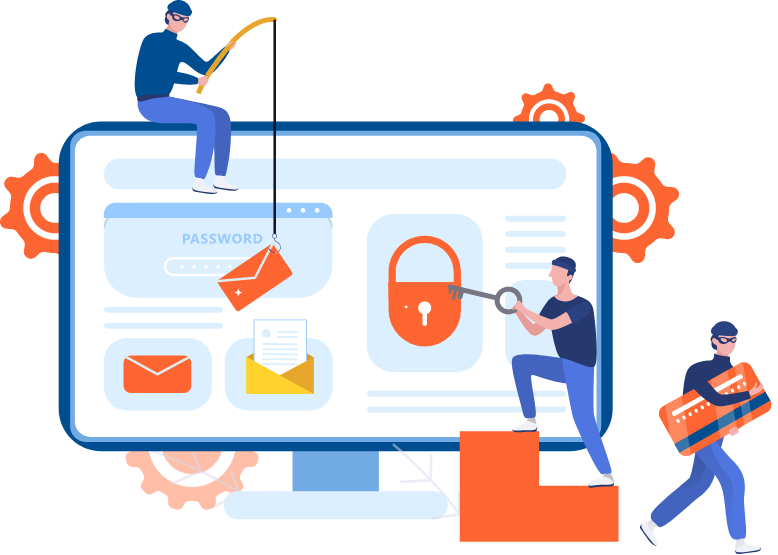
Cyber attacks are deliberate attempts by individuals or groups to breach a company’s information systems. Hackers, using increasingly sophisticated methods, aim to access data such as customer details, financial records, or intellectual property. With so much at stake, it's easy to see why information security is critical
Primary Goal of Cybercriminals
Financial gain: Stealing financial data or holding your systems for ransom (Ransomware)
Information theft : Targeting sensitive personal and business information for sale
Disruption : Attacks aimed at sabotaging operations
The reasons behind attacks vary, but the common theme is clear : your data is valuable, and it’s a target
Why Every Company Needs Data Protection
Think of your data as the lifeblood of your business. From customer information to internal communications, losing control of that data can be catastrophic. This leads to severe financial loss, not to mention reputational damage. But how do you protect yourself against these threats ?
Key Cybersecurity Techniques You Can Implement Today
1. Regular Software Updates
When was the last time you updated your company’s software? Hackers love outdated systems. The longer you wait to update, the more vulnerabilities you expose. Make it a priority to apply software updates promptly
Why it's important: Software updates often include patches for security flaws. Delaying these updates leaves your systems wide open to attack
Tip : Automate software updates to ensure they are installed as soon as they're available
2. Implement Strong Password Policies

Weak passwords are like leaving the front door open Ensure all employees use strong, unique passwords and change them regularly
What works: Multi-factor authentication (MFA) adds an extra layer of security, requiring users to verify their identity through a second means
Tip : Encourage the use of password management tools to store and generate secure passwords
3. Data Encryption
Data encryption converts sensitive information into code, unreadable to unauthorized users. Whether data is at rest (stored) or in transit (being transferred), encryption ensures that even if it's intercepted, it’s useless without the encryption key
The technical edge : End-to-end encryption can secure communication between your company and clients
Tip : Encrypt both local storage and cloud-based systems
4. Employee Training
Did you know that many cyber attacks are successful because of human error ? Teaching your employees how to recognize phishing attempts and other common scams can drastically reduce risk
Real world tip : Simulate phishing attacks to test how well employees can detect them
Engage the team : Regular security awareness sessions keep the topic fresh in your employees' minds
5. Firewalls and Antivirus Protection
Firewalls act as the gatekeepers of your network, monitoring incoming and outgoing traffic. Combined with antivirus software, they form a basic but critical line of defense against malware and suspicious activity
Don't skip: Always ensure both firewalls and antivirus systems are active and up-to-date
Advanced Security Measures
1. Backup and Disaster Recovery Plans
Even with the best security, breaches happen. Are you prepared? Regularly backing up your data is essential to recovering from an attack without significant loss
Immediate action : Have a disaster recovery plan in place to minimize downtime after an attack
2. Penetration Testing
Penetration testing, or ethical hacking involves simulating attacks on your system to find vulnerabilities before hackers do
Professional tip: Hire a cybersecurity firm to conduct these tests at least annually
Responding to Cyber Attacks : What Should You Do ?
1. Detect : Use monitoring tools to quickly identify unusual activity
2. Contain : Isolate the compromised systems to prevent further damage
3 Recover : Restore affected systems using clean backups
4. Review : Investigate the attack’s origin and update your defenses accordingly
Why You Must Act Now
Cyber attacks are not a question of "if" but "when." Taking a proactive approach is the only way to stay ahead. With hackers constantly evolving their methods, regular updates to your security measures are non-negotiable
Final Thoughts
It may seem overwhelming, but protecting your company’s data from cyber attacks is more manageable than you think. Start with the basics—update your software, train your employees, and secure your systems with firewalls and encryption. For long-term safety, consider more advanced techniques like penetration testing and disaster recovery planning
Sbscribe to our newsletter for more tips on safeguarding your business from cyber threats By following these steps, your business will be better equipped to withstand the threats of today’s digital lands
cape. Have you considered how secure your data is right now? What’s stopping you from taking action to protect it ?